

Setting up a JDK and an IDE takes time you may not have before a class, a code review or an interview. An online Java compiler lets you write a class, select Run and see the result in the browser. The useful differences are input with Scanner, the Java version, support for several classes and how easily you can share your work.
We compared the six online Java compilers people use most in 2027.
How we tested
We opened every compiler in a fresh browser window without signing in, ran the same small program that reads numbers from the keyboard, and checked what each one offers for input, debugging, files, sharing and help. Screenshots were taken in November 2026.
Quick comparison
| Tool | Scanner input | Java versions | Multiple files | Debugger | Collaboration | Best for |
|---|---|---|---|---|---|---|
| CodeUtility | Yes, live terminal | Latest, 8, 11, 17, 21 | Yes, saved workspace | No | Live workspace, cursors, chat | Courses, projects and teams |
| OnlineGDB | Yes | One default | Yes | Yes | Share link, classroom | Debugging |
| JDoodle | Yes, interactive mode | Selectable | Yes | Yes | Share link | Quick runs and API |
| Programiz | Yes | One default | No | No | Share link | Beginners |
| OneCompiler | Yes | One default | Yes | Yes | Share link | Many languages |
| Java Tutor | Limited | One | No | Step through only | Share link | Seeing objects and memory |
1. CodeUtility Java Compiler: the best free Java workspace
The CodeUtility Java compiler is free and runs without an account. It is built for real Java work: several classes, saved files, sharing and AI help.
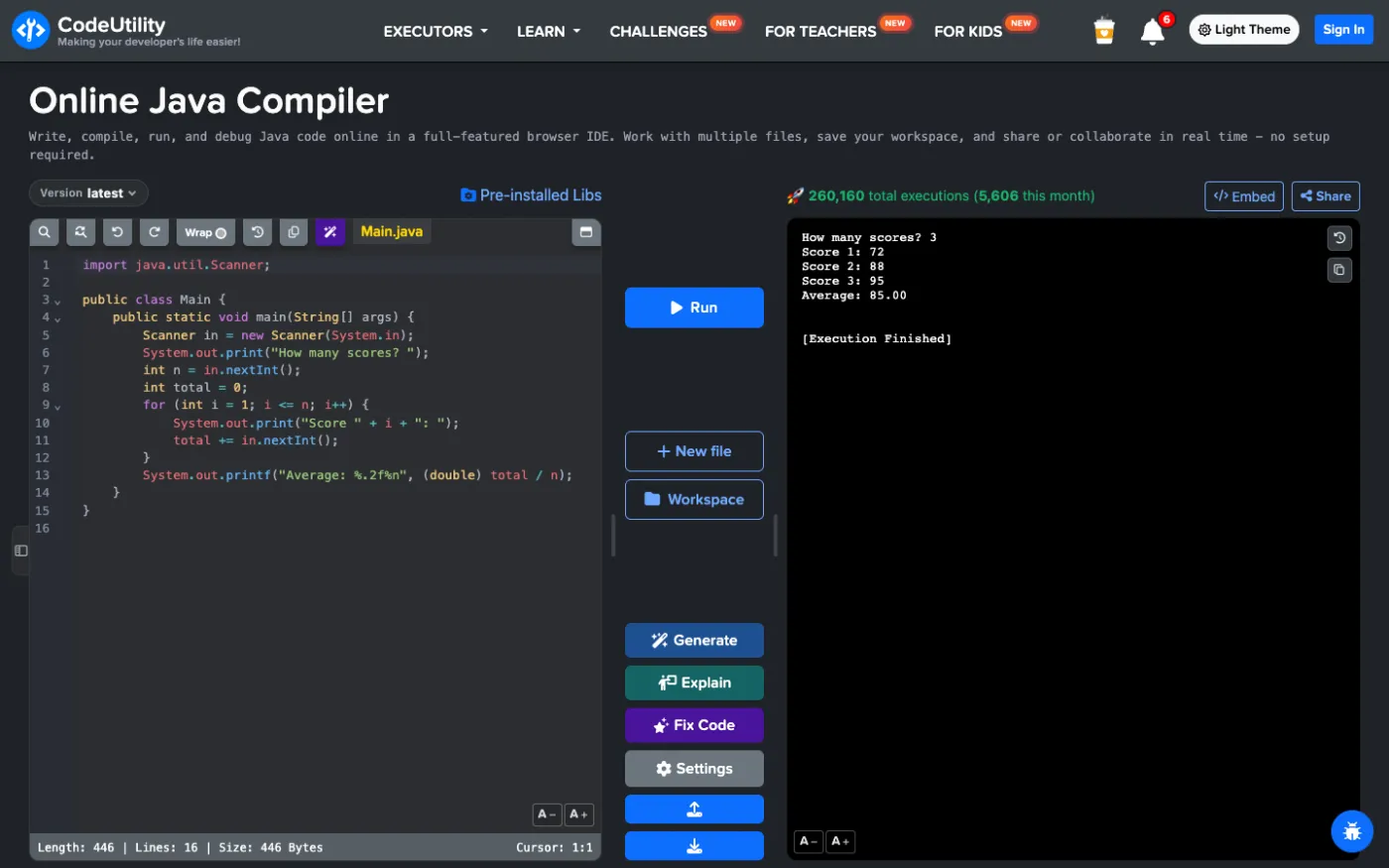
Scanner input in a real terminal
Your program runs in a real terminal, so Scanner.nextInt() and nextLine() wait for you to type, one value at a time. Each run is saved and you can move back and forth between outputs.
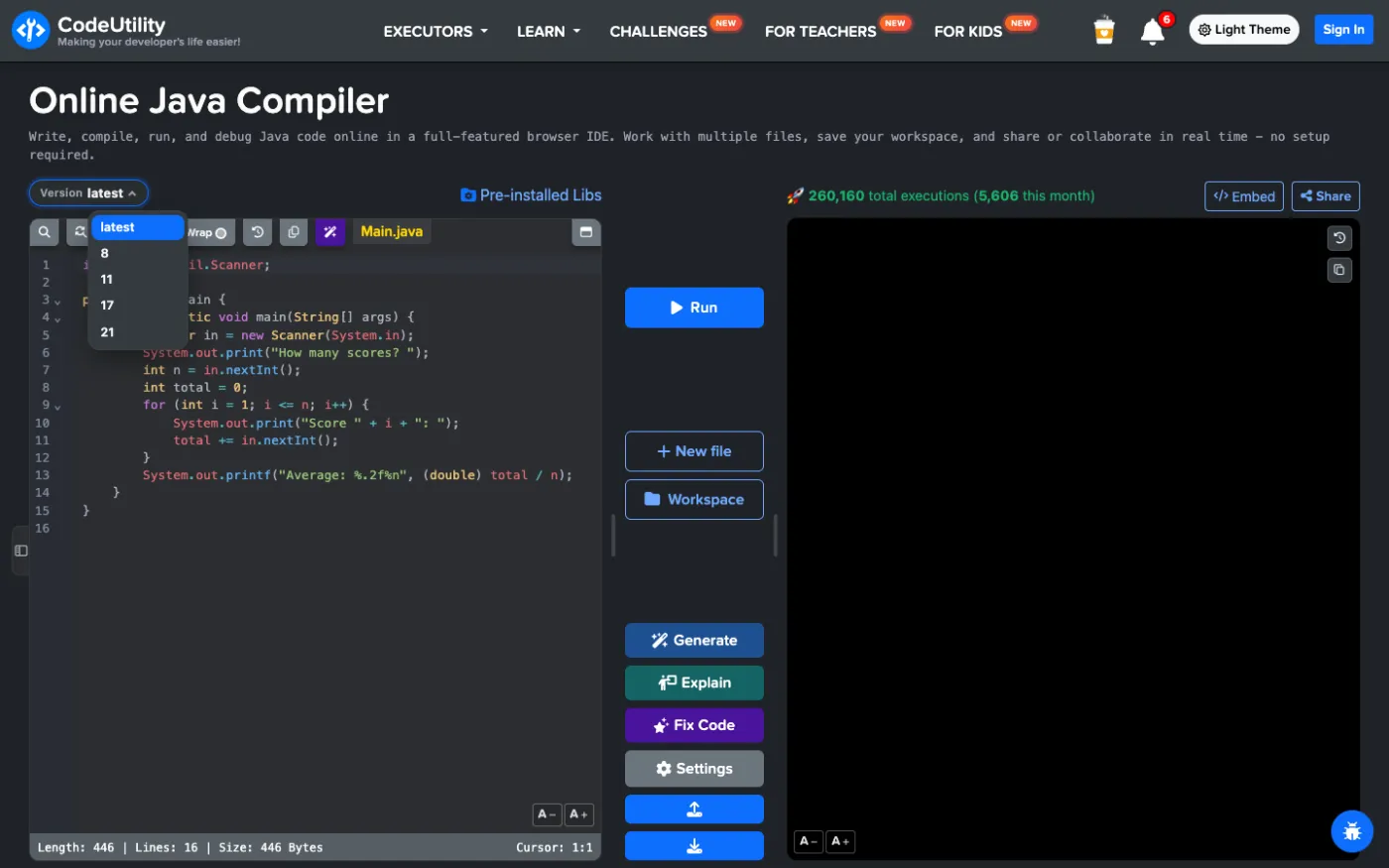
Java 8, 11, 17, 21 or the latest
Use the Version menu to match your course or project: Java 8 for older codebases, 11 and 17 for most companies, 21 for records, pattern matching and virtual threads, or the latest release.
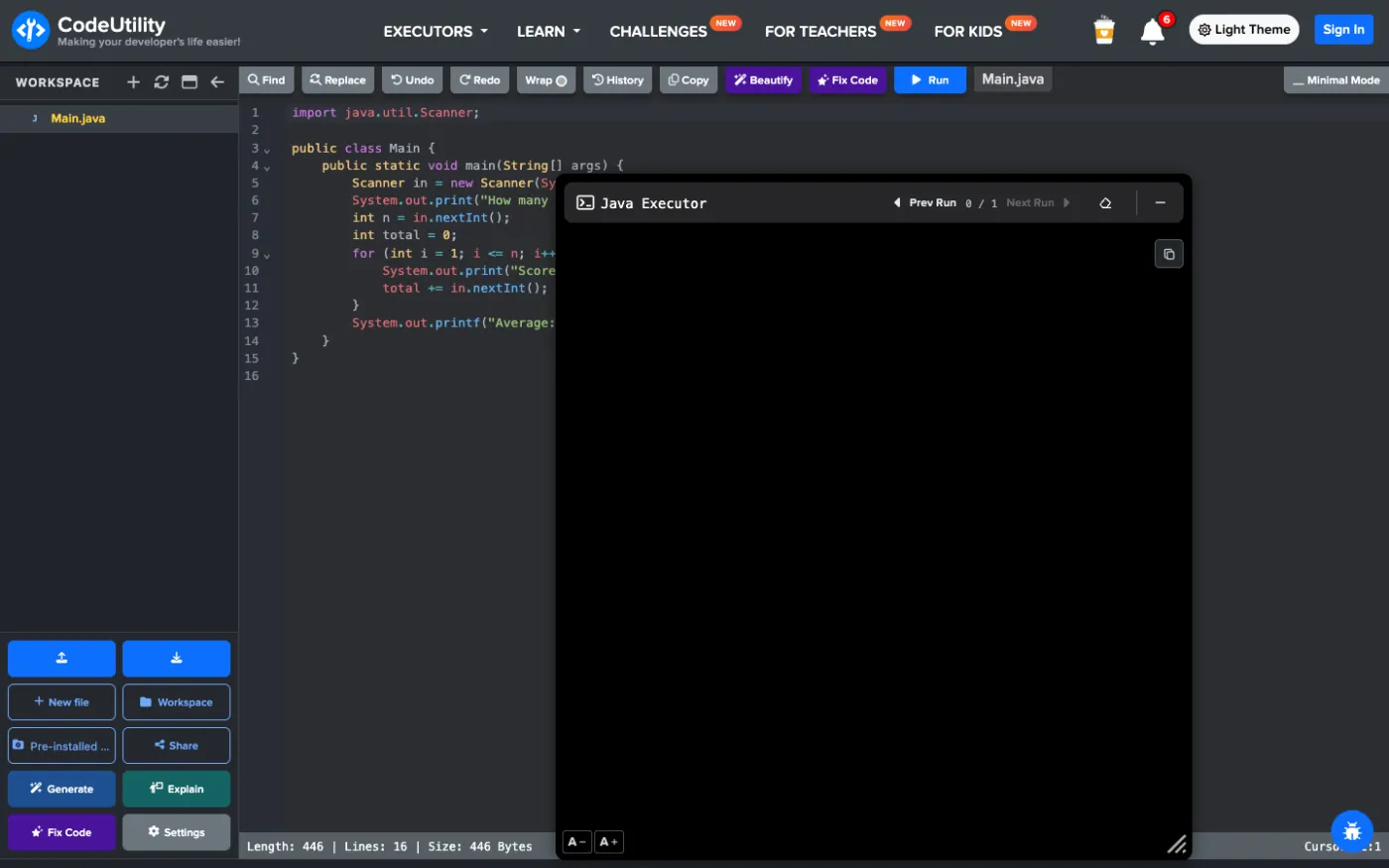
Multiple classes and a full IDE
Real Java programs have more than one class. New file adds classes, and Advanced Mode opens an IDE with a file explorer and a floating terminal. With a free account the workspace is saved, with folders, uploads, downloads and file history.
Share, collaborate and get AI help
- Share a file or the whole workspace as a snapshot or a live workspace with view and edit permissions.
- Live collaboration with cursors and chat for pair programming and tutoring.
- Embed a Run button in a README, blog or course.
- Generate, Explain and Fix Code use AI to write, explain or repair Java code (free with an account).
- Beautify formats your code, and the history keeps earlier versions of each file.
Strengths
- Interactive Scanner input
- Java 8, 11, 17, 21 and latest
- Saved multi-file workspace, sharing and live collaboration
- AI Generate, Explain and Fix Code
Limitations
- No step debugger for Java yet (OnlineGDB and JDoodle have one)
Best for: students, teachers and developers who want to build and share Java programs online.
Try the CodeUtility Java compiler
2. OnlineGDB
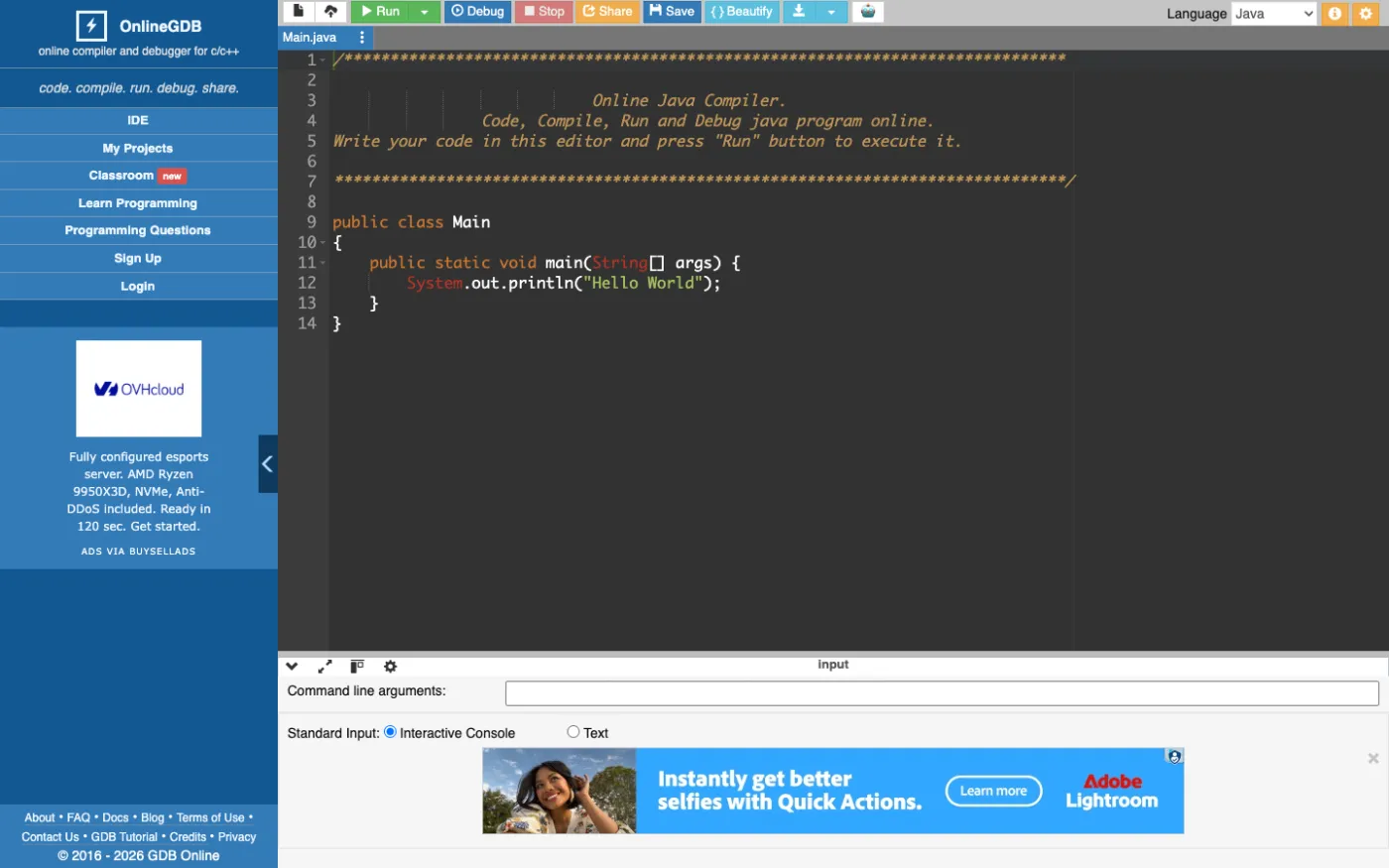
OnlineGDB supports Java with a debugger, an interactive console, command line arguments and multiple files. It is a solid choice when you need to step through Java code, but the interface is older and shows ads.
Strengths
- Java debugger
- Command line arguments and files
Limitations
- Dated interface with ads
- No version selector or live collaboration
Best for: stepping through Java homework.
3. JDoodle
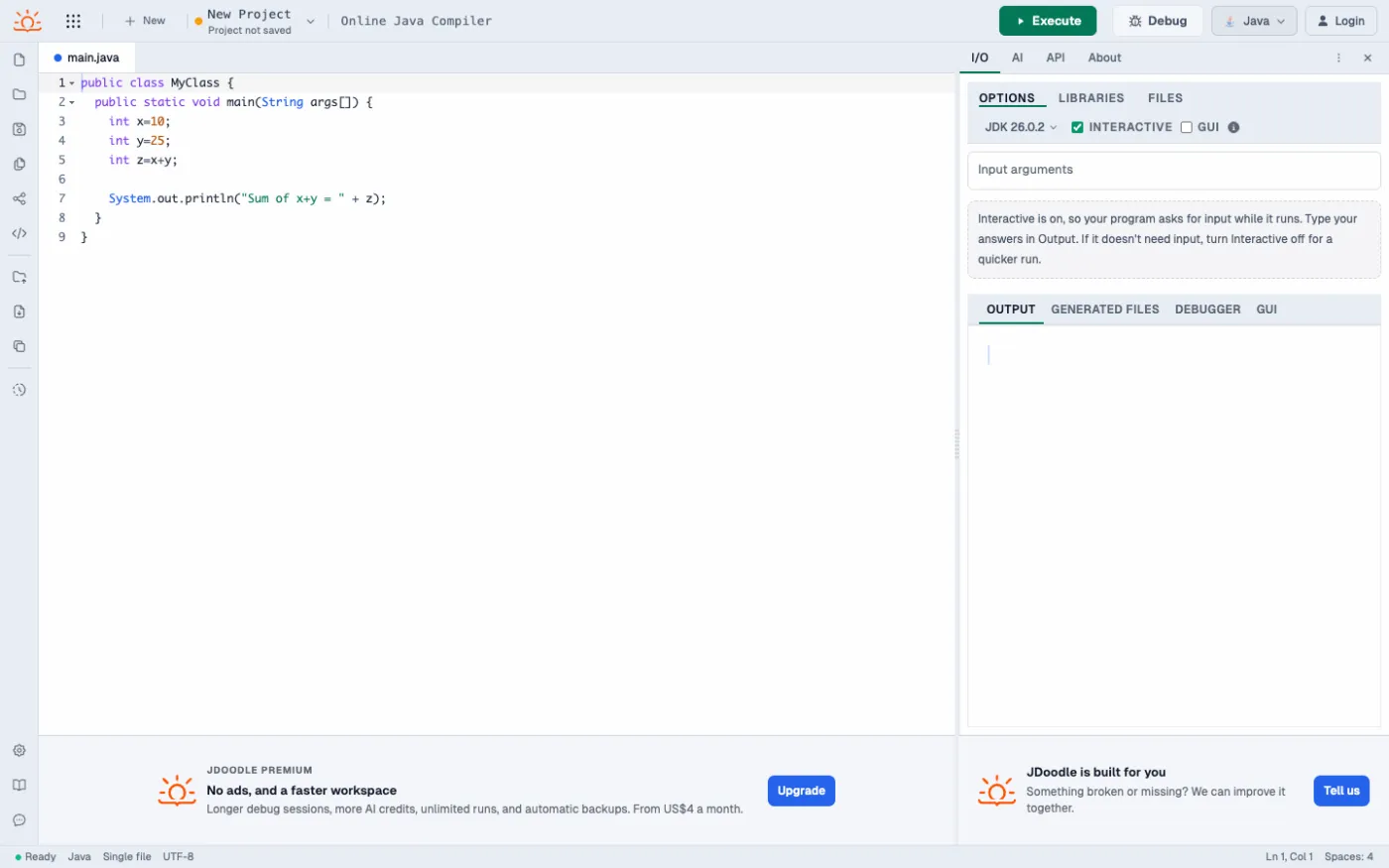
JDoodle offers selectable JDK versions, an interactive mode, libraries, files, a debugger and an AI assistant, plus a paid compiler API.
Strengths
- Recent JDK and debugger
- Libraries tab and API
Limitations
- Interactive input is a separate mode
- Free plan limits and upgrade prompts
Best for: quick runs and developers who need an API.
4. Programiz Java Compiler
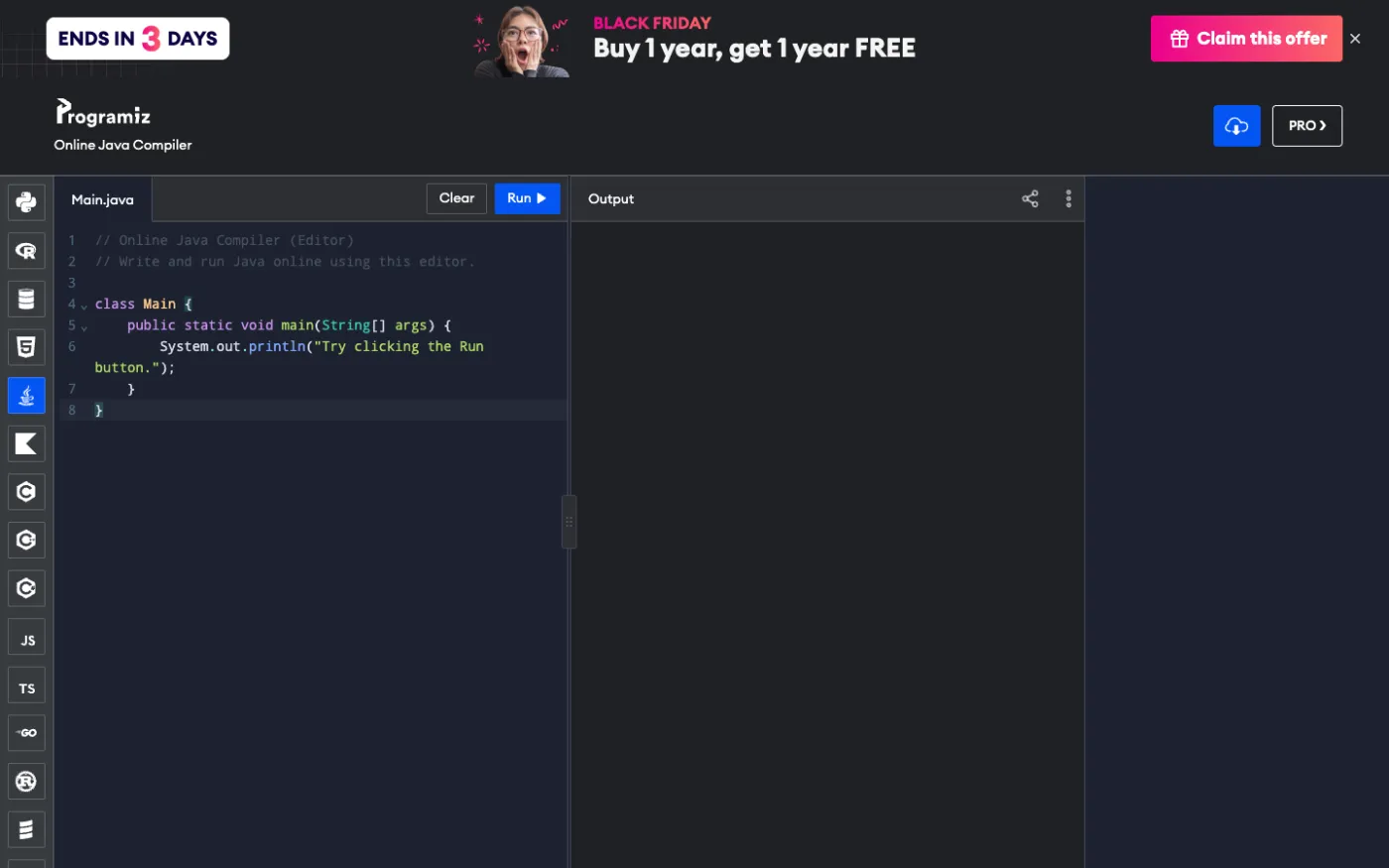
Programiz keeps Java simple: one file, a Run button and input in the output panel. It is fine for a first class, but there is no version selector, debugger or workspace.
Strengths
- Very simple
- Pairs with Programiz Java tutorials
Limitations
- Single file
- No debugger or version selection
Best for: beginners.
5. OneCompiler
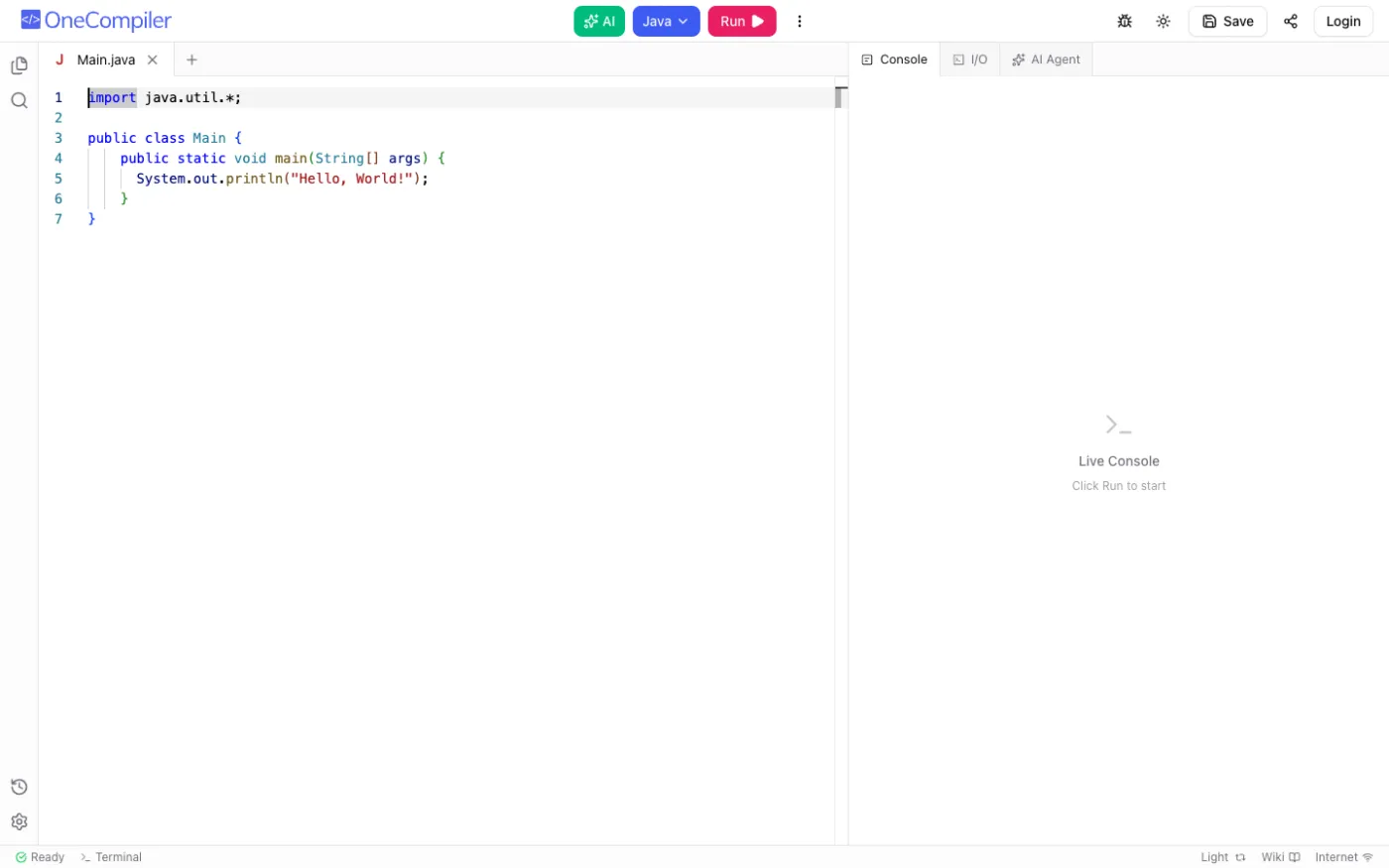
OneCompiler gives Java its multi-language layout with file tabs, a live console, an I/O tab, a debugger and AI tools. Saving needs an account.
Strengths
- Multiple files, debugger and AI
- Consistent across languages
Limitations
- No Java version selector
- Fewer Java-specific features
Best for: people who switch between languages.
6. Java Tutor
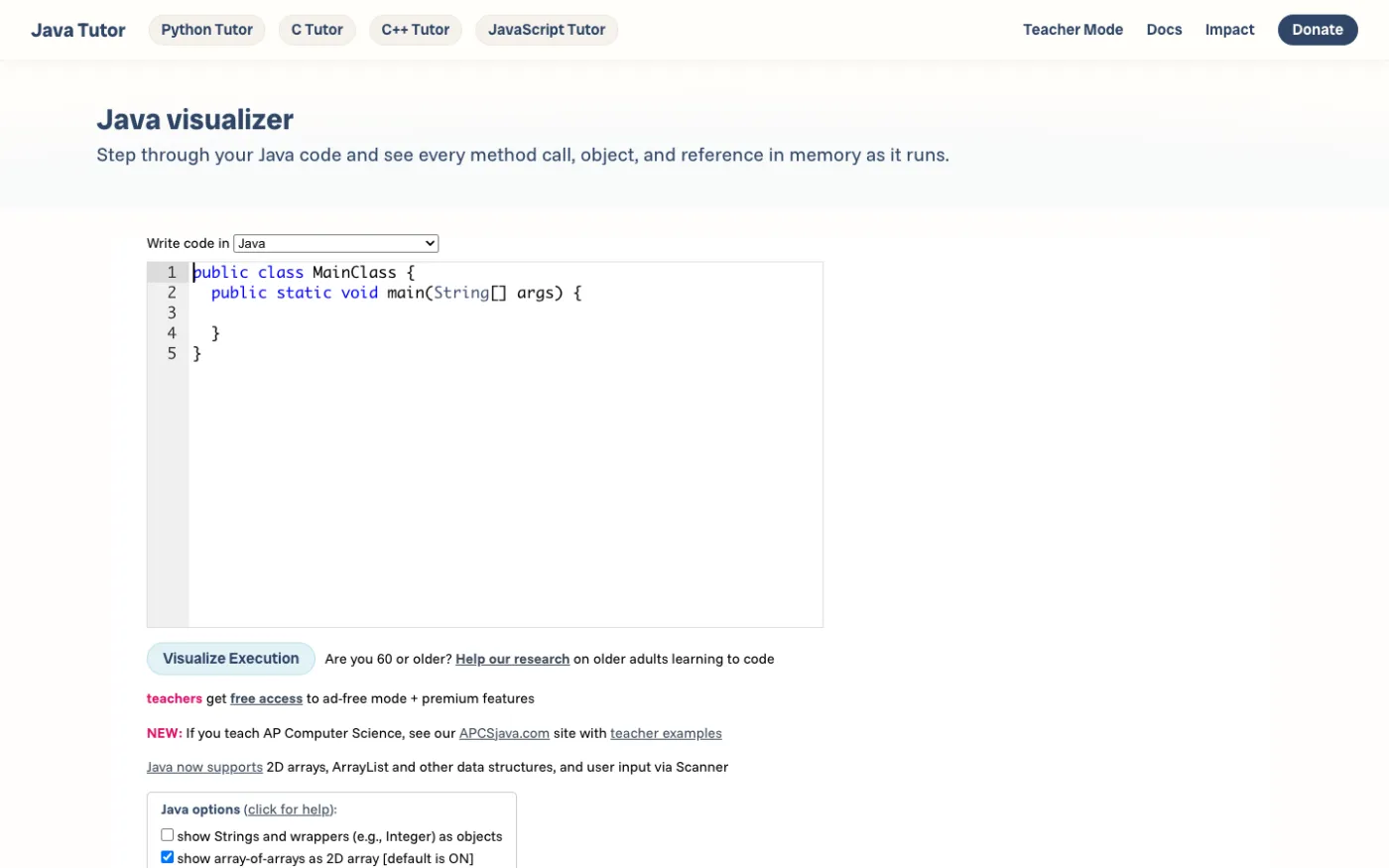
Java Tutor, from the Python Tutor project, draws objects, references and method calls as your code runs. It is a great teaching aid for short examples, not a general compiler.
Strengths
- Clear pictures of objects and references
Limitations
- Short programs only
- Limited input and no project work
Best for: understanding objects and memory.
Which online Java compiler should you choose?
- Run real Java with input, several classes, versions 8 to 21, sharing and AI: CodeUtility.
- You need to step through Java code with a debugger today: OnlineGDB or JDoodle.
- You want to see objects and references drawn: Java Tutor.
- Your very first Java program: Programiz or CodeUtility.
FAQ
Can I use Scanner in an online Java compiler?
Yes. In CodeUtility your program runs in a real terminal, so Scanner waits for each value you type.
Which Java version should I use online?
Use the version your course or project requires. CodeUtility offers Java 8, 11, 17, 21 and the latest release. If you have no requirement, Java 21 is a good long-term support choice.
Can I run a Java program with several classes online?
Yes. In CodeUtility add files with New file or work in Advanced Mode with a workspace explorer. Your files are saved when you sign in.
Start coding now in the CodeUtility online Java compiler.