

C is still the first language in many computer science courses, and the first obstacle is often installing GCC and a debugger. An online C compiler lets you write, compile and run C in the browser. The tools differ in how they handle scanf, whether you can debug a crash, and which C standard you get.
Here are the six online C compilers worth using in 2027.
How we tested
We opened every compiler in a fresh browser window without signing in, ran the same small program that reads numbers from the keyboard, and checked what each one offers for input, debugging, files, sharing and help. Screenshots were taken in November 2026.
Quick comparison
| Tool | scanf input | Debugger | Standards | Multiple files | Collaboration | Best for |
|---|---|---|---|---|---|---|
| CodeUtility | Yes, live terminal | GDB with breakpoints | Latest, C89, C99, C11 | Yes, saved workspace | Live workspace, cursors, chat | Students, teachers and teams |
| OnlineGDB | Yes | GDB | Selectable | Yes | Share link, classroom | Debugging homework |
| Compiler Explorer | Stdin box | No (assembly view) | Many compilers | Yes | Share link | Assembly and optimization |
| Programiz | Yes | No | One default | No | Share link | First programs |
| JDoodle | Yes, interactive mode | Yes | Selectable | Yes | Share link | Quick runs and API |
| OneCompiler | Yes | Yes | One default | Yes | Share link | Many languages |
1. CodeUtility C Compiler: the best all-round choice
The CodeUtility C compiler is free, needs no account to run or debug, and has compiled more than 1.3 million C programs.
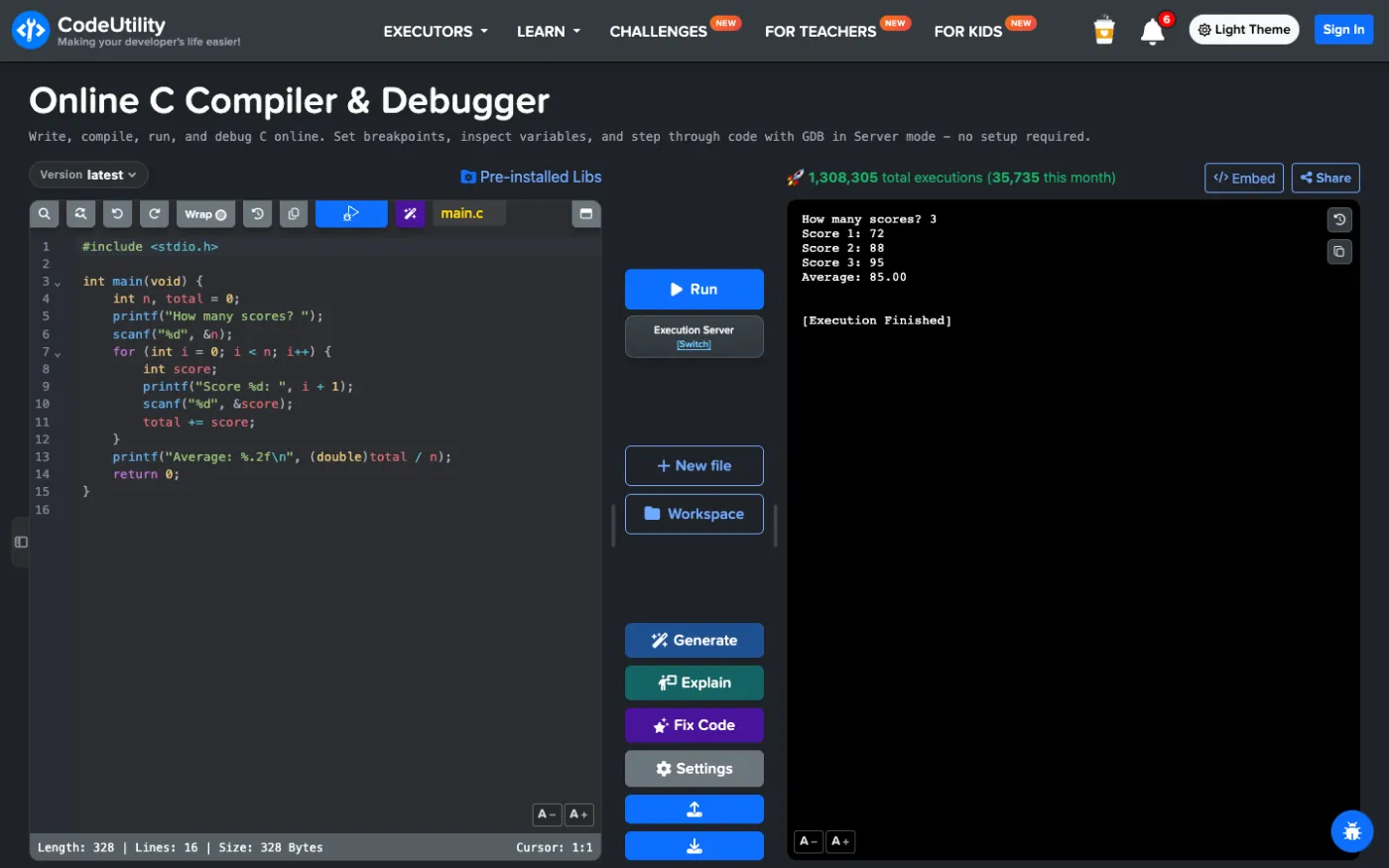
scanf that works like on your computer
Your program runs in a real terminal. When it reaches scanf, it waits for you to type a value and press Enter, so menus, loops that read input and guessing games work naturally. Every run is saved and you can move between earlier outputs.
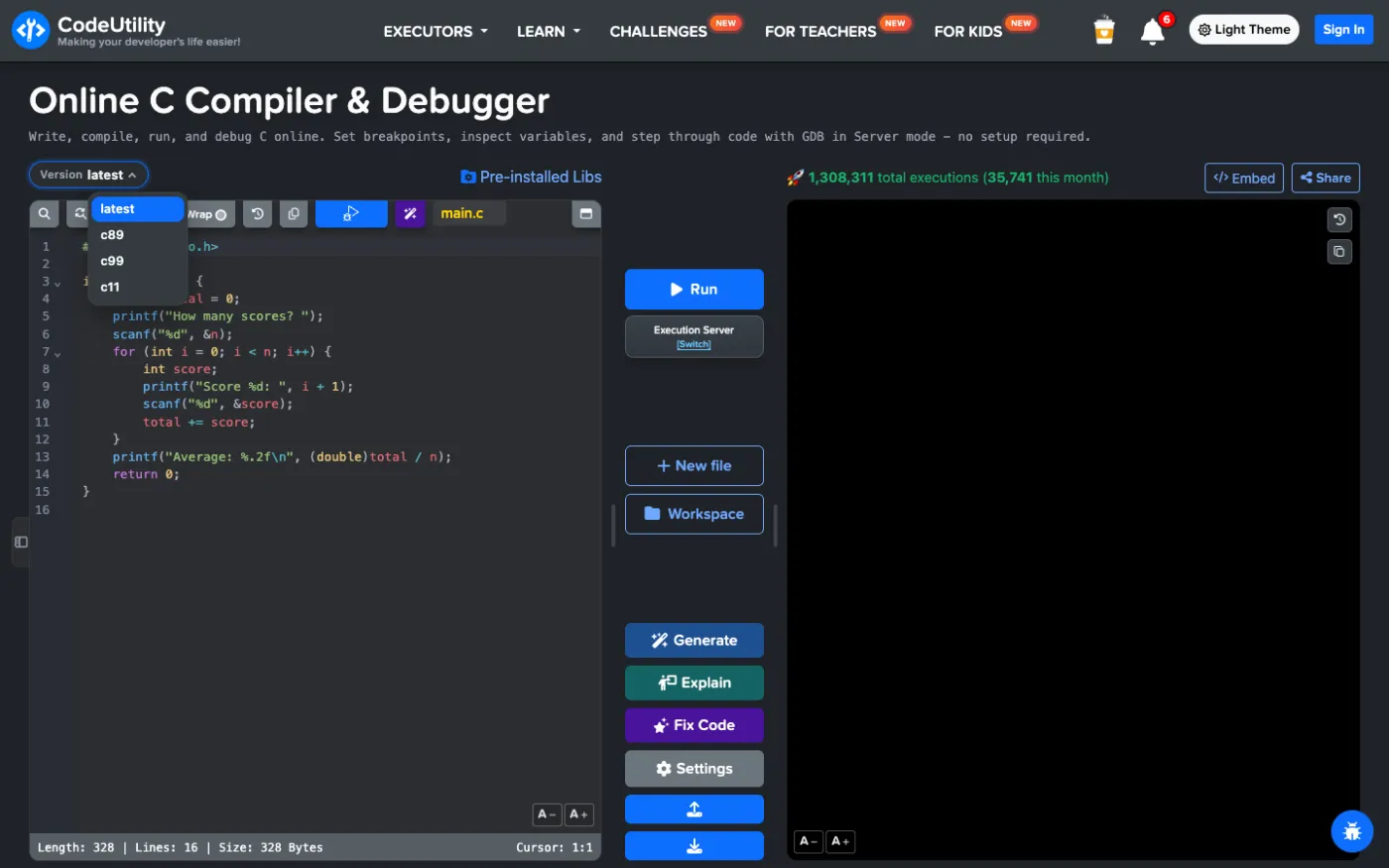
Pick C89, C99, C11 or the latest standard
Courses and old code often require a specific standard. The Version menu switches between the latest standard, C89, C99 and C11.
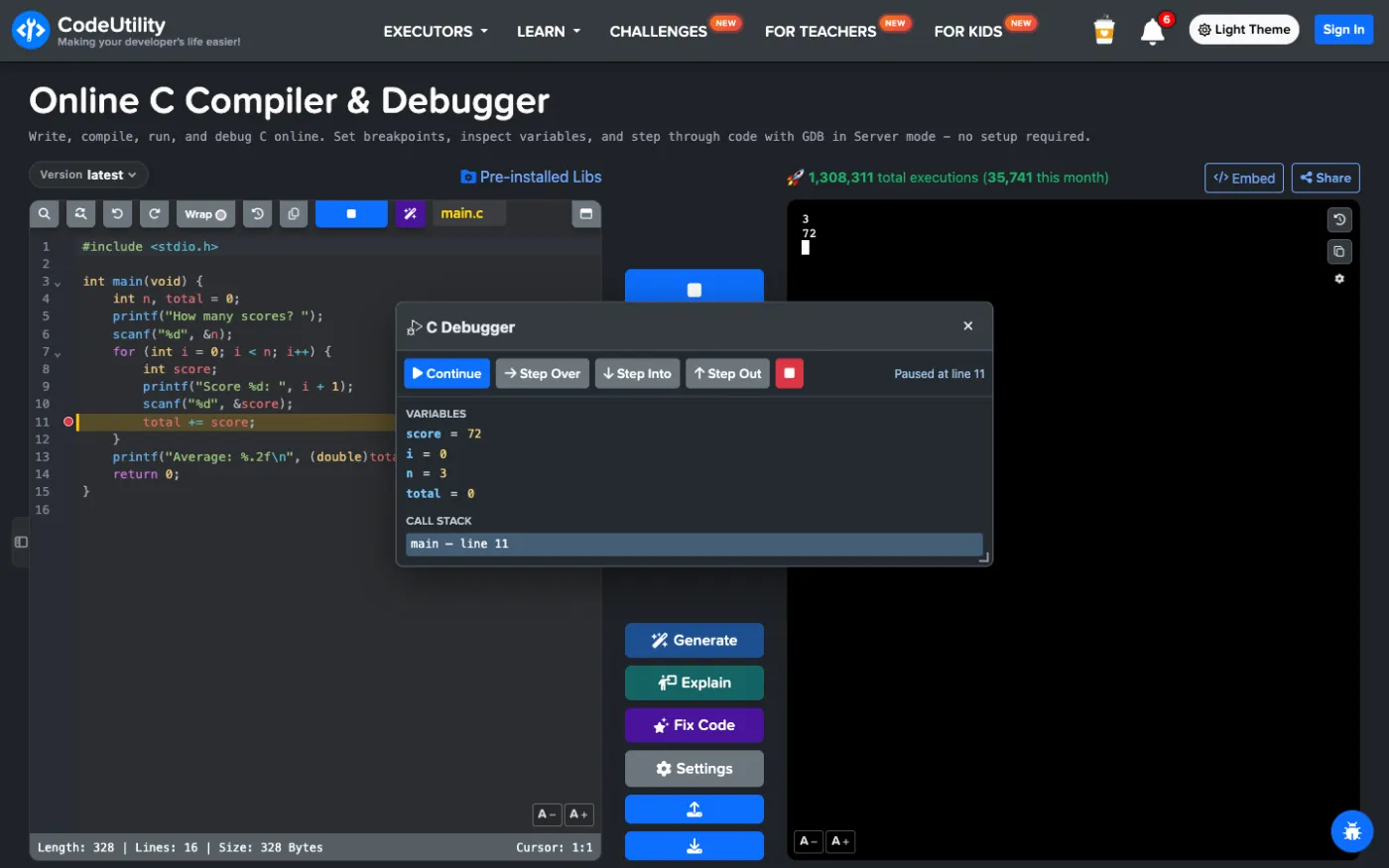
GDB debugging without installing anything
Click a line number to set a breakpoint and select Debug. The program stops there and shows the values of all local variables and the call stack. Step through the loop with Step Over, go inside a function with Step Into and watch how total changes. This is the fastest way to find off-by-one errors and wrong format strings.
Browser mode, workspace and IDE
Switch from the Execution Server to the browser runner to compile C locally with Clang in WebAssembly. Advanced Mode opens an IDE with a file explorer, so you can split code into .c and .h files. With a free account the workspace is saved, with folders, uploads, downloads and file history.
Sharing, AI and classes
- Share a snapshot or a live workspace and decide who can edit it; collaborators see each other's cursors and can chat.
- Embed a Run button in a README, blog or course page.
- Generate, Explain and Fix Code use AI to write, explain or repair C code (free with an account).
- Teachers can create classes with C assignments, and students can practice with coding challenges.
Strengths
- Interactive scanf and a GDB debugger together
- C89, C99, C11 and latest
- Browser mode, saved workspace and live collaboration
- AI help, lessons and challenges
Limitations
- No assembly view
Best for: students, teachers and anyone who wants to run and debug C without setup.
Try the CodeUtility C compiler
2. OnlineGDB
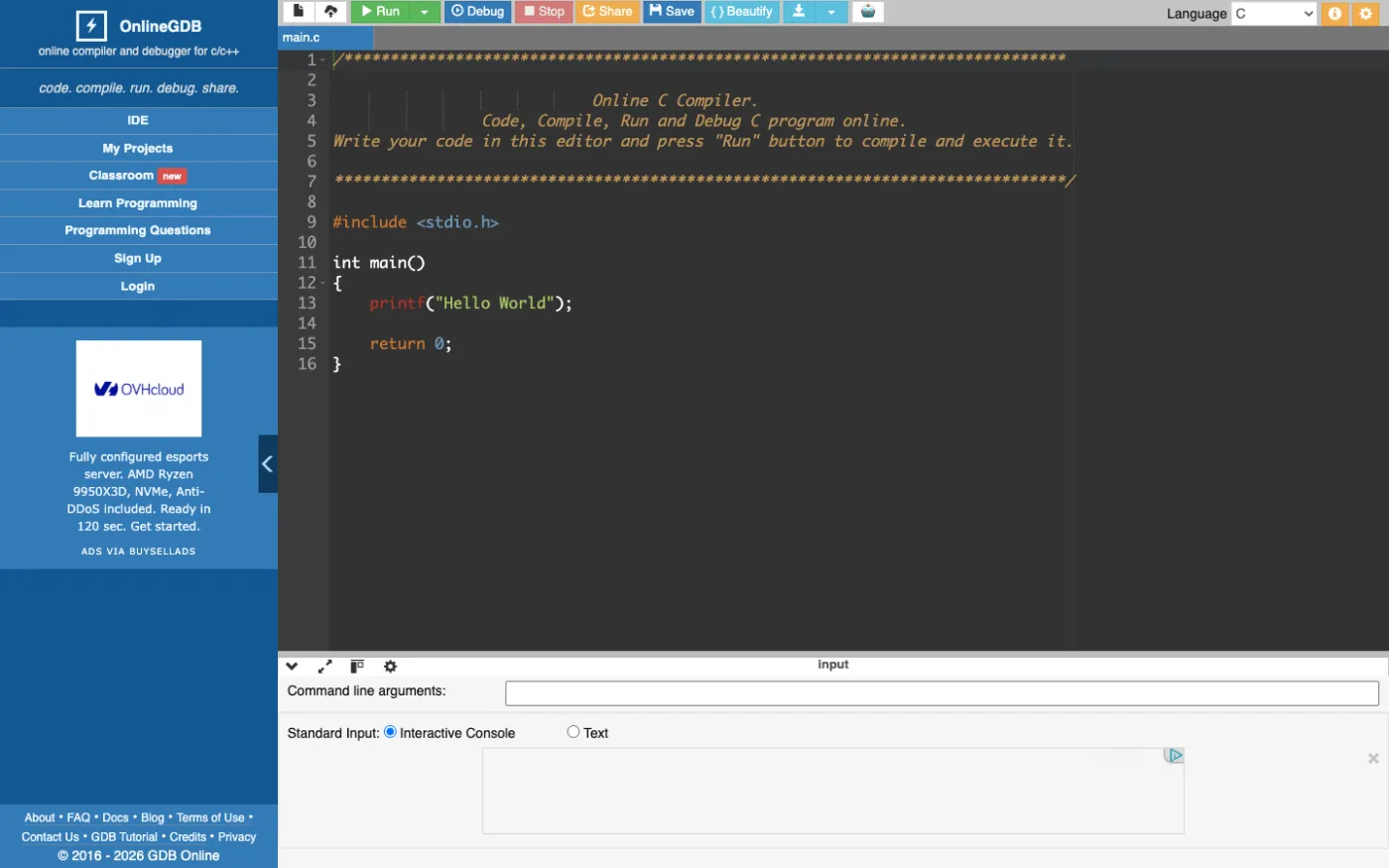
OnlineGDB is a long-time favorite for C because of its GDB debugger with breakpoints and watches. It supports command line arguments, several files and a classroom mode. The interface is older and shows ads.
Strengths
- Mature GDB debugger
- Command line arguments
- Classroom feature
Limitations
- Dated interface with ads
- No live collaboration
Best for: debugging C homework.
3. Compiler Explorer
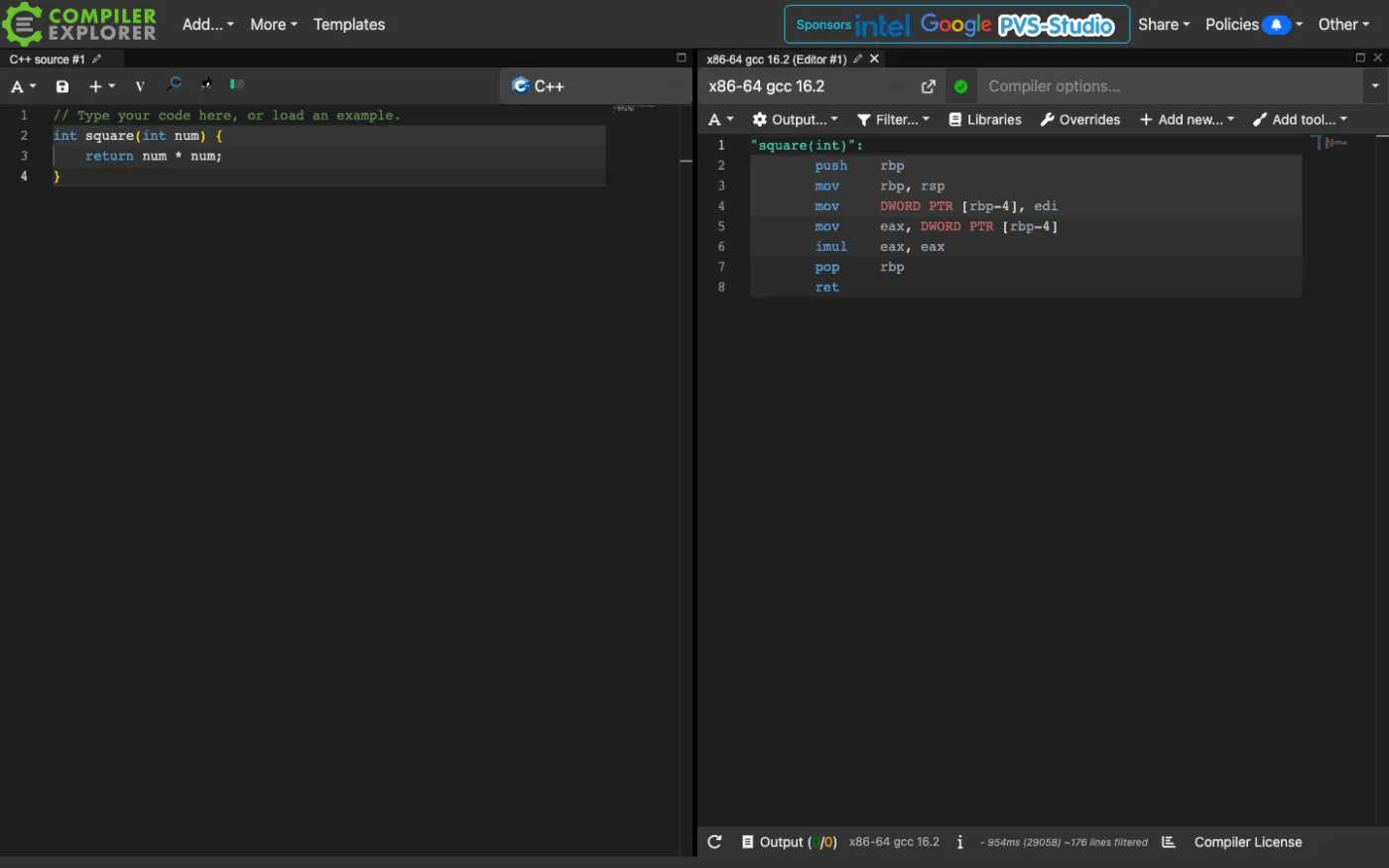
Compiler Explorer shows the assembly produced by many C compilers, which is perfect for learning what the compiler does with your code or comparing optimization levels. It can run programs with input from a stdin box, but it has no step debugger and is not aimed at beginners.
Strengths
- Assembly output and many compilers
- Great for optimization questions
Limitations
- No interactive input or debugger
- Steep for beginners
Best for: systems programmers and curious students.
4. Programiz C Compiler
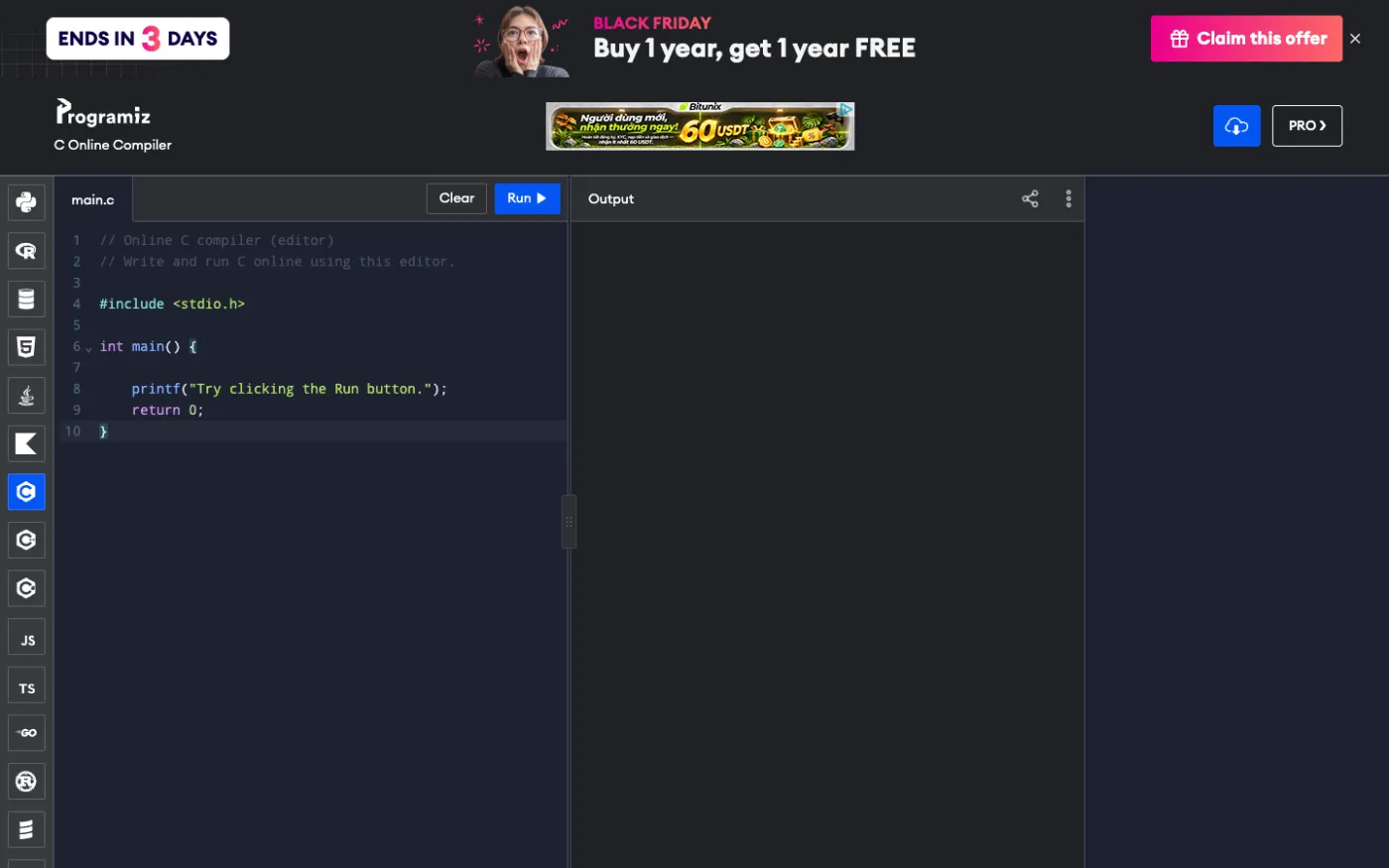
Programiz has a minimal single-file editor that suits the first weeks of a C course. There is no debugger or standard selector, and the page shows promotions for its paid plan.
Strengths
- Very simple
- Pairs with Programiz C tutorials
Limitations
- Single file, no debugger
- No standard selection
Best for: your very first C programs.
5. JDoodle
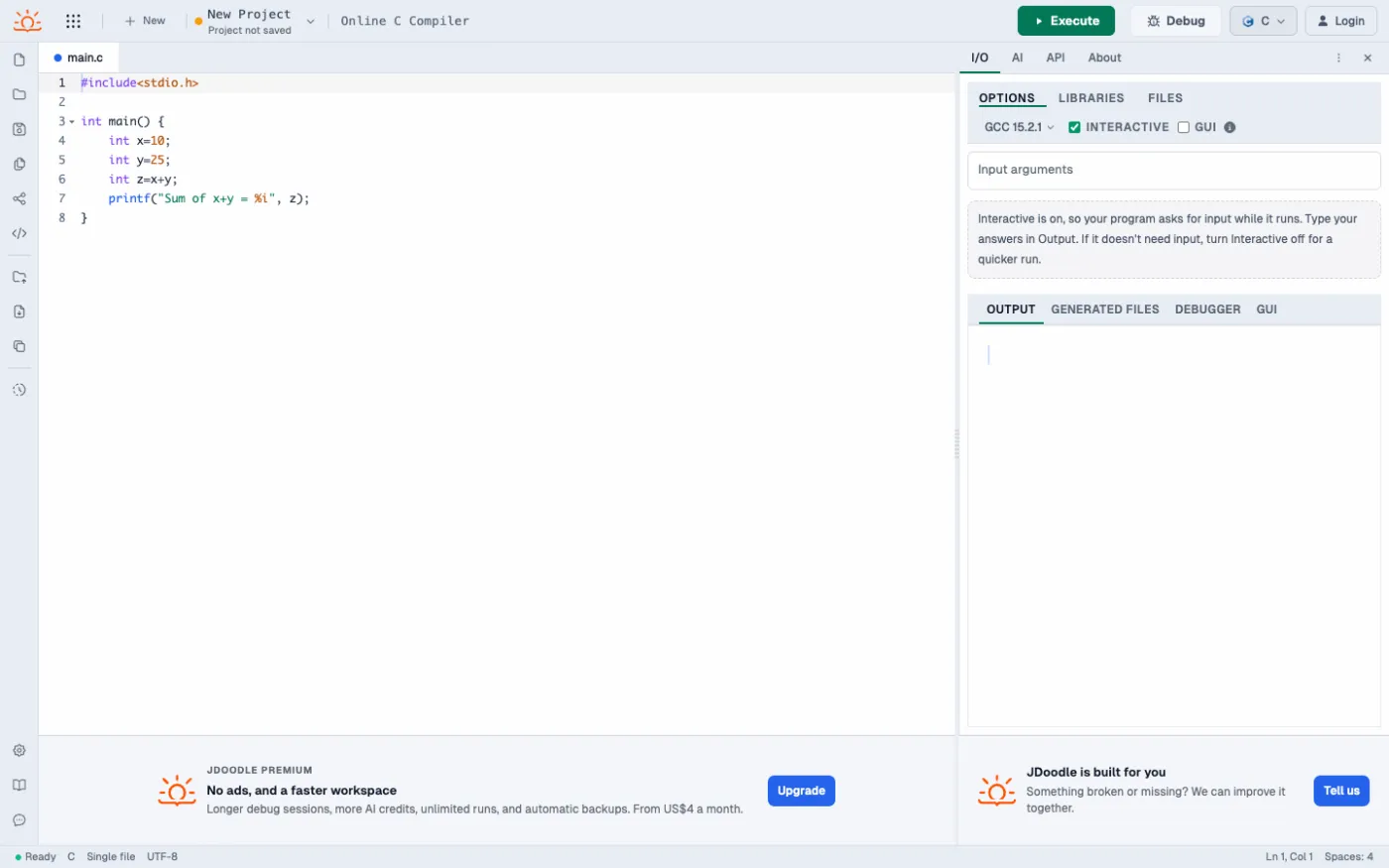
JDoodle runs a recent GCC with an interactive mode, files, libraries, a debugger and an AI assistant, and offers a paid API for running code from other apps.
Strengths
- Recent GCC, debugger tab
- Compiler API
Limitations
- Interactive input is a separate mode
- Upgrade prompts and limits
Best for: quick runs and developers who need an API.
6. OneCompiler
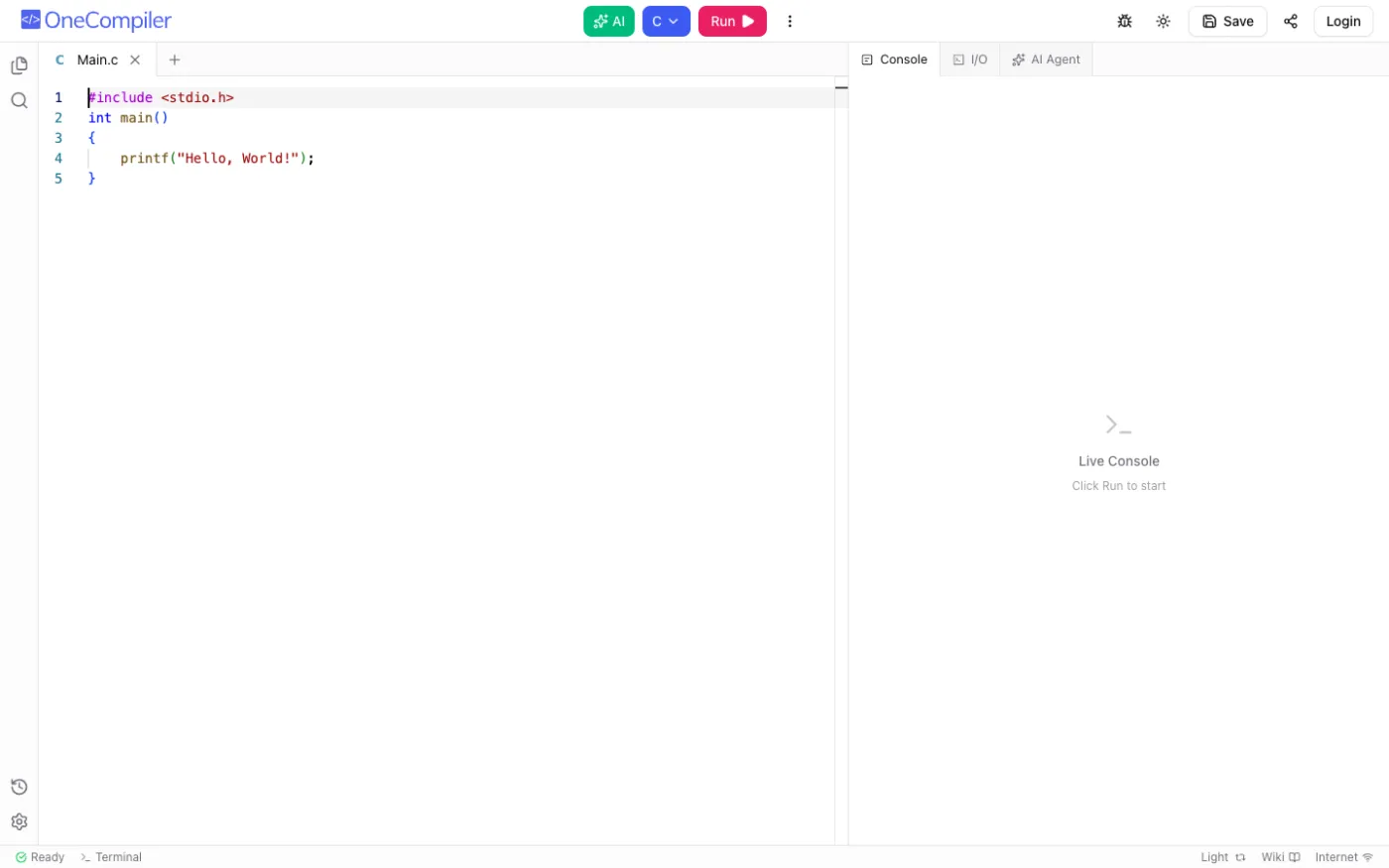
OneCompiler provides the same multi-language layout for C: tabs, a live console, an I/O tab, a debugger and AI tools. Saving needs an account.
Strengths
- Consistent across languages
- Live console and AI
Limitations
- No C standard selector
- Fewer C-specific tools
Best for: people who use many languages.
Which online C compiler should you choose?
- Run with scanf, debug with GDB, pick a standard and share: CodeUtility.
- Classic GDB with command line arguments: OnlineGDB.
- See the assembly: Compiler Explorer.
- The simplest possible editor: Programiz.
FAQ
Why does scanf not work in some online C compilers?
Some tools send input only from a box filled in before the run, so the program cannot wait for you. CodeUtility runs your program in a real terminal, so scanf waits for each value.
Can I debug C code online?
Yes. CodeUtility and OnlineGDB both use GDB. In CodeUtility you click a line number to set a breakpoint, then select Debug to see variables and the call stack.
Can I compile C89 or C99 online?
Yes. CodeUtility lets you choose C89, C99, C11 or the latest standard from the Version menu.
Open the CodeUtility online C compiler and run your first program in seconds.